
Importing transformer laboratory Excel files is not just a column-matching task. It is a translation between two descriptions of the same physical observation. If the translation changes the asset, unit, sample date or qualifier, the assessment can become wrong while every cell still looks valid.
Start with an import contract: what each column means, which transformations are allowed, and which ambiguities must return to a person. Keep the laboratory's original file alongside the normalized data. The workflow below is a proposed design, not a product-feature description.
1. Establish Identity Before Mapping Chemistry
A local name such as T1 is not a fleet-wide identifier. Two sites can use it, and a replacement transformer can inherit the same bay name. Build an asset key from an owner-controlled identifier, then retain the site's label, serial number and location as supporting attributes.
Distinguish the main tank from a separate on-load tap-changer compartment. A sampling point belongs in the observation, not just in a free-text comment. Also preserve liquid type and any known liquid replacement history. A mineral-oil interpretation workflow must not silently accept an ester record under the same assumptions.
Use an explicit alias list for historical names. A fuzzy text match can suggest a candidate, but an uncertain match should not merge histories automatically. Ask the asset owner to confirm it, and retain that approval with the mapping.
For the diagnostic context behind the measurements, refer to our DGA guide. An importer should preserve the evidence needed by that interpretation rather than guess a diagnosis from a spreadsheet layout.
2. Map Values, Units and Qualifiers Together
Create one mapping record per measurement. Include source column, parameter, reported value, qualifier, source unit, target unit and transformation. The following table is an original import design example.
| Source situation | Preserve | Import decision |
|---|---|---|
Gas result marked <0.5 |
Numeric bound, less-than qualifier, laboratory unit | Store as a bounded result, not a measured zero |
| Empty water cell | Missing state and any explanation | Do not assume dry oil or fill with zero |
| Water in mg/kg | Mass-based unit and method | Keep distinct from relative saturation |
| Two rows with one report number | Sample identity and revision information | Check duplicate versus revised result |
Date entered as 03/04/2026 |
Original text and laboratory convention | Resolve day/month order before acceptance |
Gas unit shown only as ppm |
Original unit label and report context | Confirm the reporting basis before conversion |
The < qualifier identifies a reporting bound, not necessarily the laboratory's detection limit. Ask whether the bound represents detection, quantification or another reporting convention. Preserve that definition separately; a generic importer should not rename every less-than result as below LOD.
For dissolved gases, a volume ratio expressed as microlitres per litre is numerically parts per million by volume. That does not make a mass-based concentration interchangeable. Confirm the laboratory's basis and applicable reference conditions; do not infer them from the letters ppm alone.
IEC 60567:2023 addresses gas analysis in insulating liquids. Its catalogue scope does not define a universal spreadsheet schema. Software mapping rules are a separate engineering choice. Likewise, typical dissolved gas levels cannot repair an unidentified unit or an uncertain asset association.
3. Test the Dates and the Transformation
Excel supports the 1900 and 1904 date systems. For the same modern date, their serial values differ by 1,462 days. Read the workbook's date-system setting and test the parser against a known date; do not apply a correction to every import. Microsoft's Excel date-system guidance explains the distinction. A text date such as 03/04/2026 raises a separate question about day/month order, not the workbook epoch.
Keep sampling, laboratory receipt, analysis and report dates in separate fields where available. A result belongs on a condition timeline by its sampling date. If that date is unknown, label the uncertainty instead of borrowing the import timestamp.
In a hypothetical import, North Site T1 has a hydrogen result of 42 microlitres per litre sampled on 3 April 2026. Its report was issued on 8 April 2026. A second file uses the label N-T01 and records acetylene as <0.5 microlitres per litre, with the same sample reference. Both reports identify the same main-tank mineral-oil sample and laboratory reporting basis.
The approved alias maps N-T01 to the same asset. Match the sample reference within its issuing laboratory and report context, not as a fleet-wide unique number. The shared sampling event is confirmed, but the second file must still be checked for supplementation or revision. Hydrogen remains a measured value. Acetylene remains below the stated bound. The importer must not create a new sample on 8 April or convert acetylene into zero.
Preview the normalized rows beside their source cells. Check decimal separators, hidden rows, formula results and merged headings. Reimport the unchanged file in a test environment: it should not create duplicate observations. Then import a corrected report and verify that the revision remains identifiable.
4. Accept the Batch With an Exception Log
Reconcile input and output counts. Every row should be accepted, identified as a duplicate, held for clarification, or rejected with a reason. The sum should equal the number of candidate source rows. Do not report only a success percentage that hides discarded records.
Count source rows separately from measurement observations: one accepted row may contain results for several gases. For an original test batch of 20 candidate rows, 15 accepted, two duplicates, two held and one rejected reconcile to 20. That does not imply 15 measurements or 15 unique transformers. If partial-row acceptance is allowed, define it explicitly and retain the status of each measurement as well.
Approve mapping changes by laboratory template version. When a laboratory adds a column or changes its reporting convention, rerun the small reference batch before applying the new mapping to the whole fleet. Keep access to the unchanged original files restricted to the people who need them.
No importer can resolve an unknown sample identity from chemistry alone. The next action is to agree the ambiguous fields with the laboratory and asset owner, then test one representative file end to end.
To discuss preparing laboratory data for assessment, talk to an engineer.
Sources and Scope
- IEC 60567:2023: edition and gas-analysis scope verified; full-text analytical requirements not used for the mapping table.
- Microsoft Excel date systems: workbook date behaviour.
Evidence checked on 30 September 2026. The import contract, example and checks are original engineering suggestions, not a released parser or validated laboratory method.
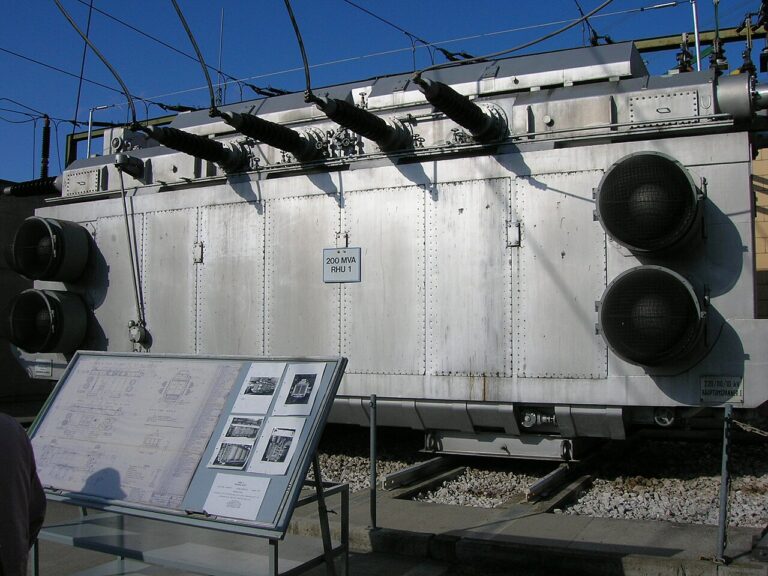
Cover: AI-generated editorial illustration of laboratory containers, a document folder, laptop and transformer model. Not actual laboratory records, a software screenshot or an approved DGA sampling arrangement; the containers are contextual props, not a sampling recommendation.
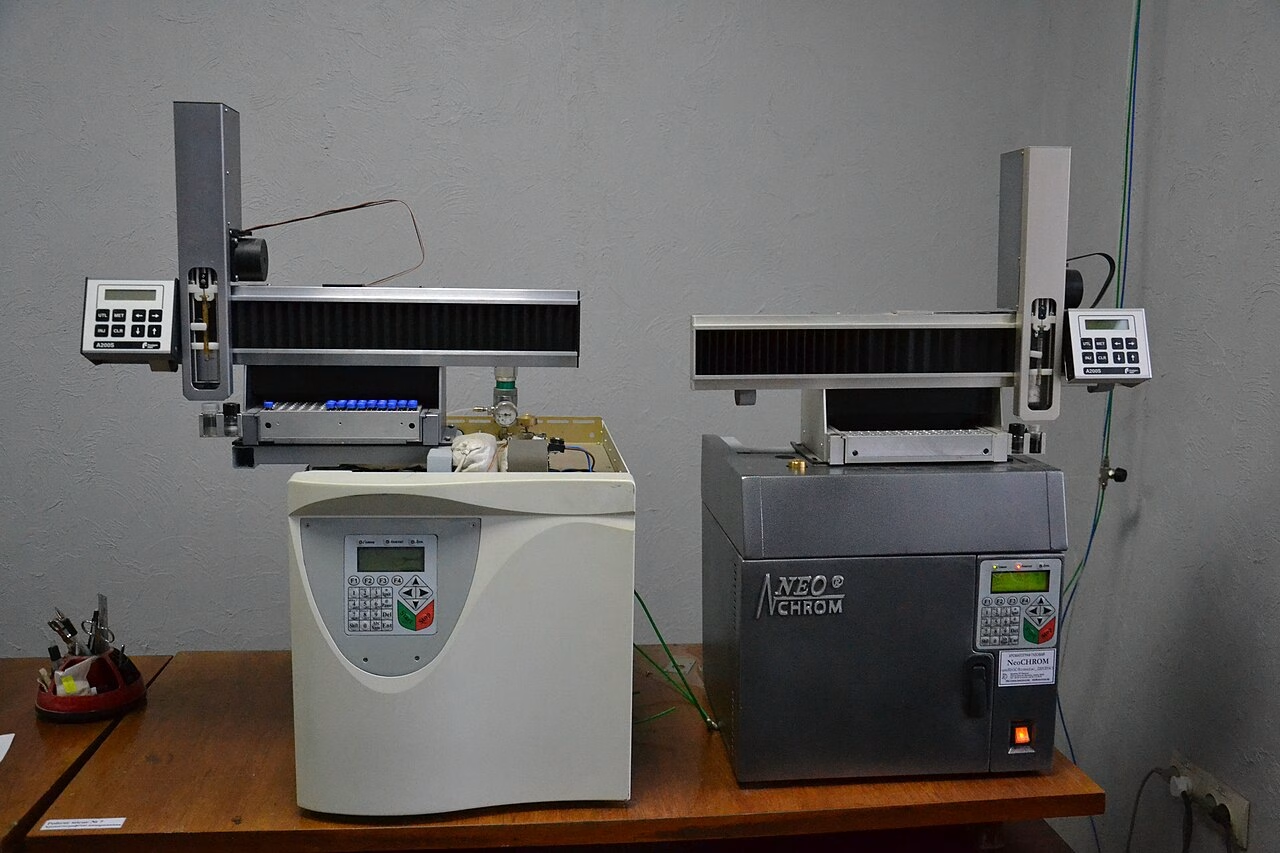
Cover photograph: Laboratory context; not a Seetalabs interface or an endorsement of this instrument. Photo: NeoLyo89 / Wikimedia Commons, CC BY 4.0. Commons download, resized where applicable; no editorial retouching. Illustrative photograph, not a Seetalabs customer case or evidence of the results discussed.